
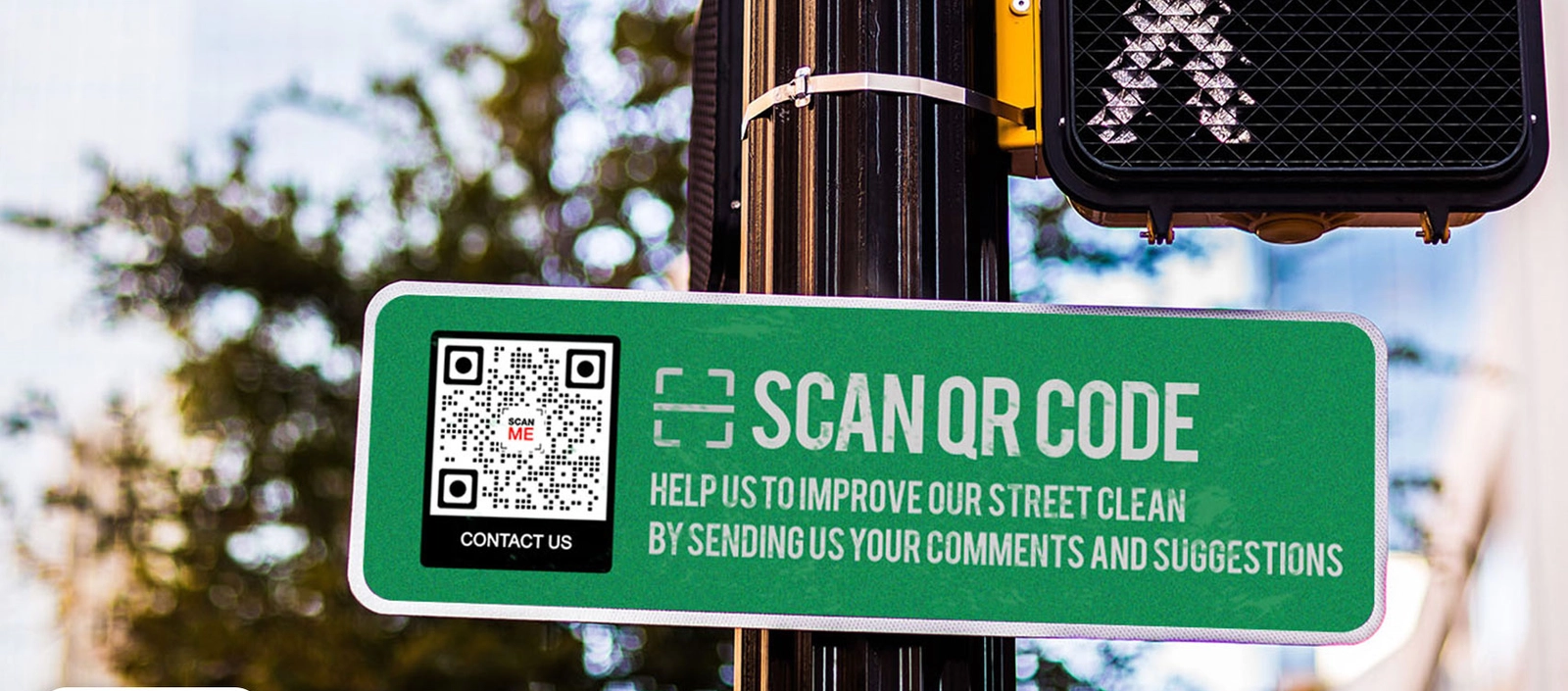
QR codes are everywhere—but one scan can take you to a fake payment page or login screen without you realising it.
They’re designed for speed, which is exactly why they’re so effective—and why they’re increasingly being used in scams.
If you’re asking “is it safe to scan QR codes?”, the answer is more precise than most explanations suggest: QR codes themselves are not dangerous, but they can send you to destinations you have not verified, and often cannot see until after your device has already started interacting with them.
That distinction is where the real risk sits.
Because unlike a normal link, a QR code removes the step where you would usually check where you’re going—meaning the decision to interact often happens before you’ve had the chance to evaluate it.
QR Codes Force Interaction Before Verification
When you scan a QR code, your device doesn’t pause to ask questions—it decodes the pattern and immediately executes the embedded instruction, usually by opening a website. By the time you see where you’ve landed, the interaction is already underway.
That’s the critical shift. You haven’t reviewed the domain, checked the source, or confirmed whether it’s legitimate. You’re responding to a destination after your device has already begun engaging with it.
This is why cybersecurity guidance frames QR code risks in terms of Phishing and Social engineering, rather than “hacking the code itself.” The vulnerability isn’t in the code—it’s in the sequence.
Because once verification comes after interaction, the decision-making process is reversed.
Why QR Codes Are Used in Real-World Scams
This isn’t a theoretical risk—it’s already happening in places people trust.
In car parks, train stations, and public payment points, attackers have been found placing stickers over legitimate QR codes, quietly replacing them with their own. To the user, nothing looks unusual. You scan, expecting to pay or access a service, and are taken to a page that appears identical to the real one.
According to the National Cyber Security Centre, this type of fraud is increasingly common in open, high-traffic environments where people are used to acting quickly and without hesitation. The attacker doesn’t need to break security—they rely on the fact that the interaction already feels familiar.
Security guidance from Kaspersky and Malwarebytes highlights the same pattern: QR codes are used to direct users to convincing but fraudulent websites that capture login credentials, payment details, or other sensitive information.
This is often referred to as “quishing”—QR-based phishing—but the underlying mechanism is simple. The action feels routine, so it isn’t questioned. And because the destination isn’t visible beforehand, the moment of doubt comes too late—after the interaction has already begun.
What Happens Technically When You Scan
When you scan a QR code, the process is almost instantaneous. Your device reads the pattern, decodes the embedded data—most often a URL—and immediately initiates a connection to that destination. In most cases, the page begins loading within seconds, before you’ve had any real opportunity to assess where you’re being taken.
As that connection is made, basic device and network data—such as your IP address, location signals, and device type—can be transmitted as part of the standard web request. From there, the page can prompt further interaction, whether that’s entering login credentials, confirming a payment, or downloading content.
What matters isn’t just what happens, but when it happens. By the time you see the destination, the interaction has already started, and any decision you make comes after your device has engaged with it.
The Hidden Data Layer Behind Every Scan
Beyond redirection risks, QR codes introduce something less obvious but just as important: they turn a simple scan into a trackable interaction.
They are not just shortcuts; they are also measurement tools. Each scan can generate data points—location, time, device type, and frequency—giving whoever created the code visibility into how, when, and where people engage with it. Guidance from Malwarebytes highlights that this kind of data collection is a standard feature of many QR code platforms.
In a business context, this is valuable. It allows companies to measure campaigns, track customer behaviour, and understand how physical interactions convert into digital actions.
But from a user perspective, the process is largely invisible. There is no clear signal that a scan is being logged, analysed, or tied to a broader pattern of behaviour. What feels like a quick, one-off action can quietly become part of a wider dataset.
That doesn’t make QR codes inherently problematic—but it does mean the interaction is not as simple as it appears.
What to Do Before You Scan a QR Code
If QR codes change the order of decision-making, the only way to reduce risk is to reverse it again—by putting verification back before interaction.
In reality, that doesn’t mean overthinking every scan. It means recognising when you’re being prompted to act quickly and taking a moment to pause before you do. Public environments are where this matters most. A QR code on a parking machine, poster, or sticker might look legitimate, but it only takes a small change—like a sticker placed over the original—to redirect you somewhere entirely different.
When your phone displays a preview link, that’s your window to check what’s about to happen. If the domain looks unfamiliar, shortened, or inconsistent with the context you’re in, that’s usually the first signal something isn’t right.
The same applies when a scan takes you straight to a payment page, login screen, or request for personal information. These are high-trust actions, and legitimate services rarely rely on blind redirects to initiate them without clear confirmation.
And if something feels off once a page loads, the safest decision is often the simplest one—leave immediately rather than trying to figure it out mid-process.
The goal isn’t to avoid QR codes altogether. It’s to recognise that they remove a step most people rely on, and to consciously put that step back in before you act.
So, Are QR Codes Safe?
QR codes themselves aren’t the problem. What they change is the way you interact with what’s behind them.
They can still lead to phishing sites, data collection, or fraudulent payment pages—but the real risk isn’t hidden in the code. It’s in the fact that you’re often engaging with a destination before you’ve had the chance to verify it.
That shift—interaction first, verification second—is what makes QR codes both effective and, in the wrong hands, exploitable.
The Real Takeaway
QR codes don’t introduce a new kind of threat—they change the order in which decisions are made.
In most situations, you verify first and act second. With a QR code, that sequence is reversed. The interaction begins before the evaluation, and by the time you stop to question it, your device has already engaged with the destination.
That’s what makes QR codes so effective. And in the wrong context, it’s exactly what makes them exploitable.
People Also Ask
Is it safe to scan QR codes in public?
It can be—but public QR codes carry higher risk because they can be replaced or tampered with without being obvious. The key issue is not the scan itself, but that you’re often interacting with the destination before you’ve had the chance to verify it, especially in fast-moving environments like stations or car parks.
Can QR codes steal your data?
Not directly. A QR code is simply a pointer to information, usually a website. The risk comes from where it takes you. If that destination is designed to capture login details, payment information, or other data, the exposure happens through the interaction—not the code itself.
What actually happens when you scan a QR code?
Your device decodes the code and immediately executes the embedded instruction, typically opening a URL. That connection can begin sharing basic device and network data, and may prompt further action. Crucially, this process starts before you’ve independently verified the destination.
Can a QR code install malware on your phone?
A QR code cannot contain malware on its own, but it can direct you to a site that initiates downloads or exploits vulnerabilities. In most cases, this still requires some form of interaction—but the risk increases because the destination isn’t visible before the process begins.