
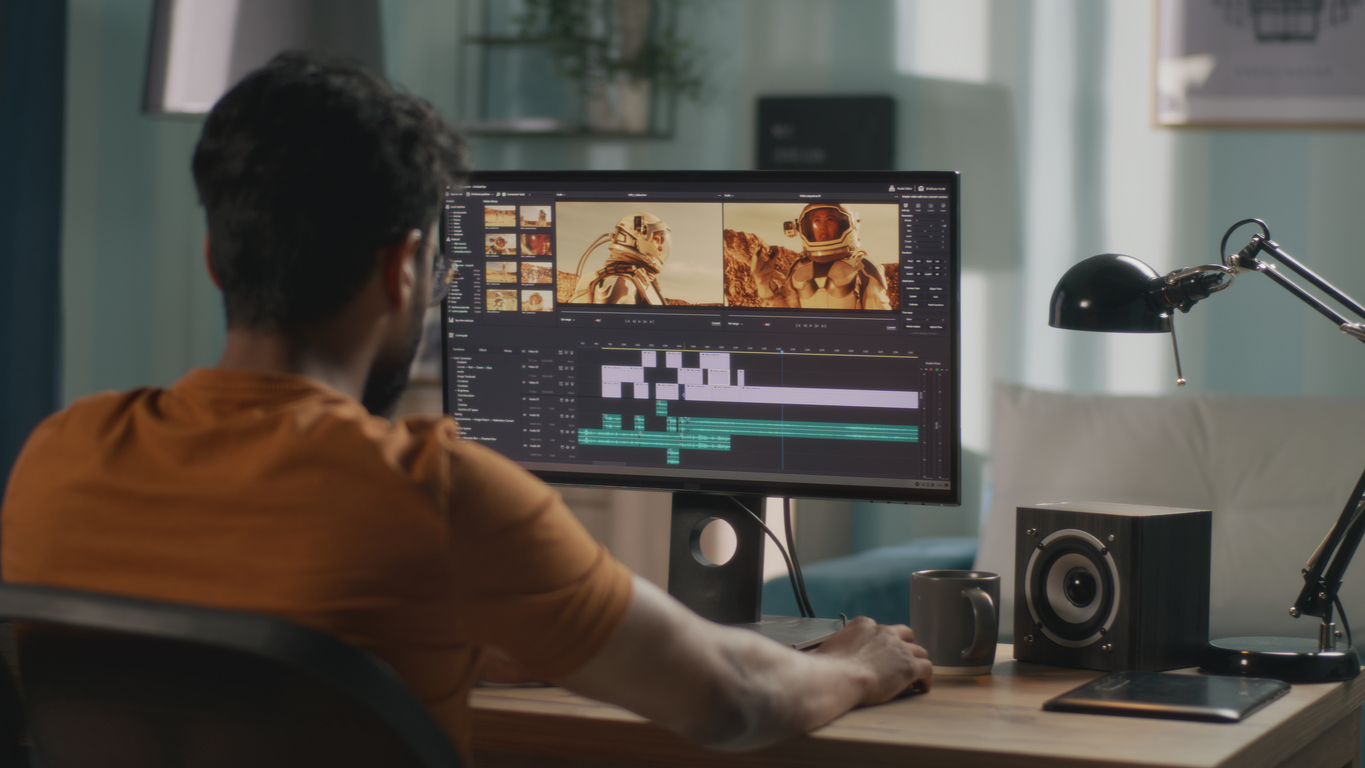
Today, everyone wants their video content to look great. If you create videos, you need them to stand out and be ready quickly. That’s where browser-based video editing tools can really help.
Browser-based video editing is easier than traditional editing, which often involves big software, slow exports, and too many steps. With online video editing tools, you can trim videos, use an MP4 cutter, or clip videos instantly from any device.
Whether you’re making a social media promo, a tutorial, or a marketing clip, you don’t need to install large programs or wait for long render times. Everything happens in your browser. These tools are great for marketers, social media managers, or anyone who needs to edit quickly and avoid expensive software.
Just having the tool isn’t enough. You also need to know how to use it well. Here are some tips to help you work faster, avoid mistakes, and create polished videos.
1. Start With a Clear Plan
Before jumping on a video trimmer or MP4 cutter on your browser video editing tools, take some time to think about what you really want to create.
Do you want a short social media clip, a product demo, or a full-length promo?
You don’t need to have everything figured out, but even a rough storyboard or script makes a big difference. A plan paired with the best online video cutter makes it easy to trim or cut video of any format, saving you the frustration of trial-and-error and the need to redo your edits.
2. Choose the Right Tool to Fit Your Needs
There are plenty of video editing browser-based tools out there. The sad reality is that not all video cutter work the same way. Some offer only the basics, letting you trim video online with no advanced editing functions. In advanced ones, you can trim, add text, transitions, or add music, so you don’t have to juggle between apps.
Modern browser editors support multiple functions on a single platform. You can cut, slice, and paste text, and even add audio from their database. Working from one place keeps all your clips and assets together, making the editing process quicker and less stressful.
Reputable ones even let you create video promos online, or other special designs, which is perfect if you want everything in one platform.
3. Optimize Your Video Files Before Upload
Before uploading your clips to the editor, organize your files to avoid mistakes like editing the wrong footage. Make sure your videos are in standard formats like MP4, AVI, or MOV. This way, you won’t need to convert files and can work without delays.
Large files can slow down your work. Compress them before uploading so they load faster. This helps you trim videos or use your MP4 trimmer without lag and makes drag-and-drop editing easier.
4. Take Advantage of Keyboard Shortcuts

Speed matters in video editing. Using keyboard shortcuts is one of the best ways to save time. Shortcuts let you jump frames, set in and out points, or split clips, depending on your editor. Learning them only takes a few minutes and helps you spend less time on menus and more time editing.
5. Use Preview and Undo Functions
Instead of waiting for a full render after every change, which can easily get frustrating, take advantage of the preview tool. Many online editors offer fast previews that show a low-resolution version instantly.
You can use it to check timing or transitions before exporting in full resolution. Previewing lets you catch mistakes early, and with the undo feature, you can correct them easily.
6. Keep Your Project Organized
Whether you’re using an online video downloader and cutter or a simple browser video trimcreate tool, organizing clips makes things easier. You want to keep video, audio, and text separate so that changes to one element don’t affect the others.
Tagging or labeling clips makes them easier to retrieve, especially when working on multiple promos or social media posts.
7. Batch-Process Several Clips
If you have many short clips, be it social media posts or event highlights, a pro tip is to process them in batches and not one by one. Fortunately, many editors let you apply the same trim settings to several files and export them together.
This doesn’t just save time; it also ensures consistent results across your videos. So, if you want to apply the same style or format to multiple projects, cut video online, or use a video clipper to trim multiple clips, this tip is a game-changer.
8. Export Strategically
After you finish editing, it’s time to export. Each platform has its own requirements, so pick the right format, resolution, and compression. Use smaller files for social media, but higher resolutions for presentations or ads. Keep your exported files in clearly labeled folders for easy access later.
Conclusion
Browser-based video editing tools have redefined how creators edit videos. If your day-to-day work involves using a video trimmer, an MP4 trimmer, or an online video downloader and cutter, knowing how to use browser-based editing tools effectively can save time and frustration.
It all starts with a clear plan and maximizing built-in features to keep things moving smoothly. Enhance your process by taking shortcuts, tagging smartly, previewing quickly, batch-processing, and saving your work—you can turn video editing from a chore into a smooth experience.
With their advanced features, you can create professional-quality videos faster, in any format, and easily tailored to various needs. It takes care of the boring stuff and the hassle of messy editing software, allowing you to focus on the creative side—making content that truly connects with your audience almost effortlessly.